
How Do Online University Proctored Exams Work?
When someone is thinking about taking admission in an online graduation or postgraduate program, the first question they ask is usually: “How will the exams take place?”
There is a common misconception that online degree exams are informal, open-book quizzes that can be taken casually. In reality, online degree programs offered under University Grants Commission (UGC) regulations in India are expected to maintain the same academic standards as on-campus degrees. To uphold that standard, universities conduct end-semester assessments through technology-assisted remote proctoring.
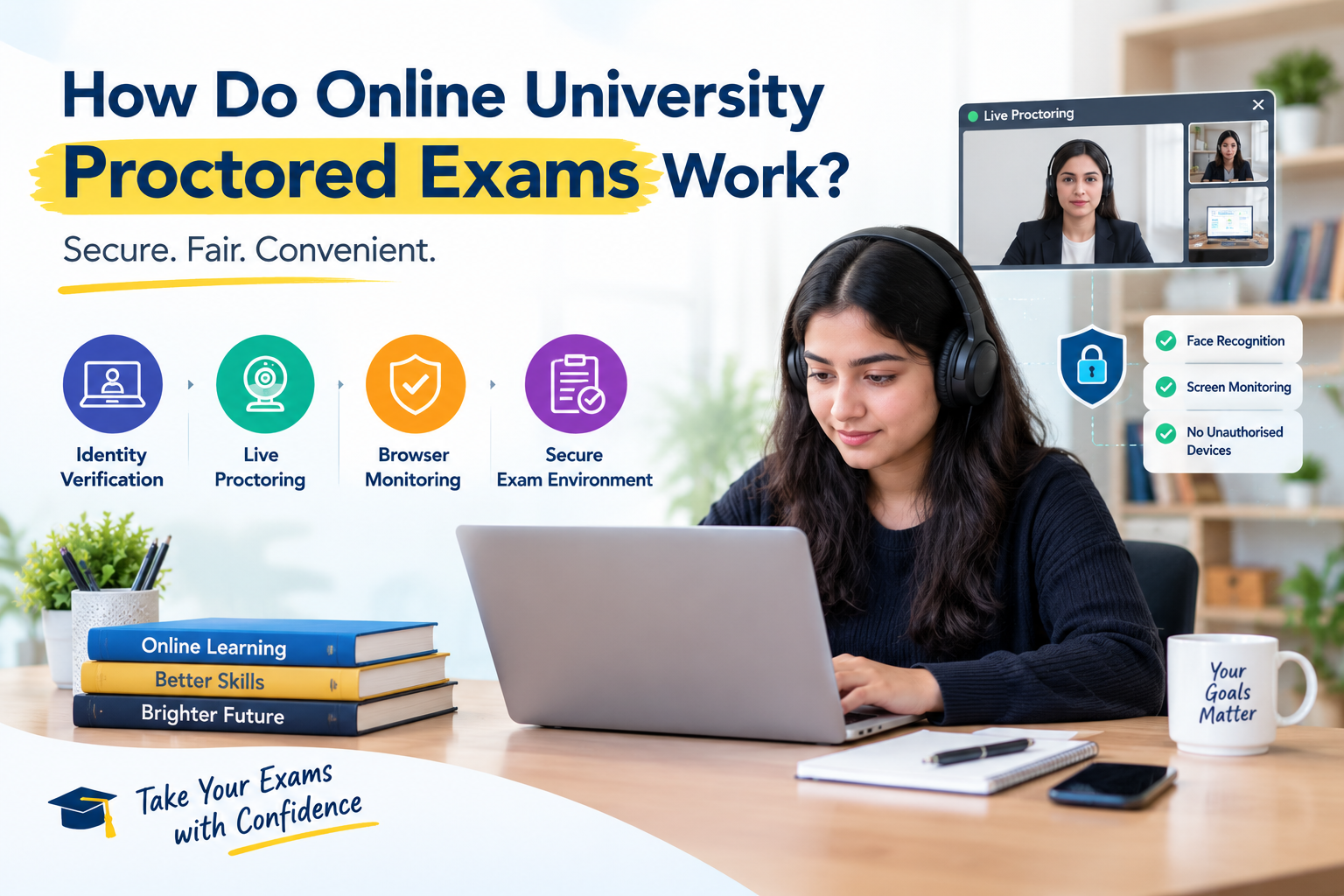
A proctored online exam is taken from home on your own laptop, with your webcam and microphone on. Your identity is verified, your room is scanned, your browser is locked, and AI and human invigilators monitor the session. A software flag only marks a moment for review. It does not fail you automatically.
Below is an end-to-end breakdown of how remote proctored exams work, what the software tracks during a session, and how to prepare so your exam goes smoothly.
Read More: Are Online Degrees Valid in India? Recognition, UGC Rules & Career Impact (2027) | Amity Online vs LPU Online MBA
What Is a Proctored Online Exam?
In a traditional exam hall, an invigilator (also called a proctor) walks around the room. They check each student’s admit card, make sure every desk is clear and stop any attempt to cheat.
A remote proctored exam recreates that same environment on a computer. The university uses proctoring software, with platforms such as Mercer Mettl, Wheebox, Talview or TCS iON being common examples. These tools work with your webcam, microphone and screen-lock features, so the university can supervise timed exams while you sit at home.
Most universities give the proctored end-semester exam the largest share of the final grade, with the rest coming from internal assessments such as assignments, discussion forums and quizzes. The exact weightage differs from one university to another. Because the exam process is supervised, the degree is treated as equal to a conventional face-to-face degree under UGC rules.
The 3 Types of Online Proctoring
Universities use one of three proctoring models, or a combination of them:
1. AI-based (automated) proctoring
An algorithm continuously tracks your webcam feed, audio and screen activity. It flags anomalies, such as multiple faces in the frame, your absence from the screen or voices in the background, for human reviewers to check later.
2. Live human proctoring
A live invigilator watches a grid of roughly 10 to 30 student video feeds in real time. They can talk to you through chat or audio, ask you to show your desk, or issue warnings if rules are breached.
3. Hybrid proctoring
The most widely used approach at leading Indian universities. AI monitors the session continuously, and if it detects an issue, a live invigilator is alerted to step in or verify the session manually.
Step-by-Step: The Online Exam Process
1. Pre-exam system check and slot booking
A week or two before the term-end exams, the university portal asks you to book your exam slot. At this stage you must run a compatibility test. The portal checks that:
- Your computer runs Windows or macOS.
- Your webcam and microphone are working.
- You have a steady internet connection, usually at least 1.5 to 2 Mbps.
- You are using a supported browser, such as Chrome, or the university’s Safe Exam Browser.
2. Candidate identity verification
On exam day, log in 15 to 20 minutes before your slot. You will go through an identity check:
- Place your face inside the on-screen oval so the system can compare it with your admission records using facial recognition.
- Hold a government-issued photo ID, such as an Aadhaar card, passport, voter ID or PAN card, up to the webcam.
3. Environment scan
Many universities ask you to scan your room before the questions appear. You lift your laptop or webcam and slowly show the desk surface, the space under the table and the walls, so the system can confirm there are no notes, extra screens or other people nearby.
4. Browser lockdown
After verification, the exam opens in a Safe Exam Browser or a locked browser window. The software blocks common shortcuts and distractions:
- Alt + Tab or Cmd + Tab, which switch between applications, is blocked.
- Copy, paste, screen capture and dual-monitor viewing are disabled.
- Background programs such as Zoom, WhatsApp, Teams or screen-recording tools are stopped automatically.
5. Writing and submitting the paper
- Objective questions (MCQs): questions appear on screen with a timer for each section or for the whole paper.
- Descriptive answers: depending on the program, you either type your answers into an on-screen text editor, or write them on plain white sheets, scan the pages with your phone using a QR code shown on screen, and upload the PDF before final submission.
What Triggers a Proctoring Flag?
Proctoring algorithms and invigilators watch your environment closely. These are the common triggers for an automatic incident flag:
| Action | Why it gets flagged |
|---|---|
| Looking away from the screen repeatedly | The AI tracks eye and head movement to check that you are not reading hidden notes or off-camera material. |
| Leaving the webcam frame | Moving out of the camera view, even briefly, creates an incident report. |
| Voices or whispers in the room | Microphones pick up background chatter, study partners or coaching. |
| Multiple faces on camera | If someone walks behind you, the system logs an automatic alert. |
| Wearing headphones or earphones | Earbuds, headphones and smartwatches are not allowed. |
| Trying to minimise the browser | Switching windows or opening search tabs alerts the proctor immediately. |
A software flag does not instantly fail your exam. It simply marks that timestamp in the recording so the university’s examination committee can review it manually before any disciplinary action is taken.
What Happens If Your Internet Disconnects Mid-Exam?
One of the biggest fears for online learners is a sudden power cut or Wi-Fi drop. Universities design their exam platforms with auto-save, so if your connection fails:
- Every answer you submitted up to that second stays saved on the central server.
- Most platforms allow a short grace window, usually 5 to 15 minutes, to reconnect and resume where you left off.
- The platform re-verifies your identity before it reopens your questions.
Best practice: keep a smartphone with an active personal hotspot next to your desk as a quick backup in case your home broadband drops. Rules differ between universities, so check your own exam instructions.
How to Prepare for Exam Day
- Run the system compatibility test as soon as the portal opens it, not on exam day.
- Use a personal laptop or desktop on a private home network, not an office machine.
- Keep your photo ID, plain white sheets and a pen on the desk, and clear everything else away.
- Take off headphones and smartwatches, and tell people at home not to enter the room.
- Log in 15 to 20 minutes early, and keep a hotspot ready as backup.
- Plan any bathroom break before you start the identity check.
Final Thoughts
Remote proctored exams can feel unfamiliar in your first semester, but they are straightforward once you understand the setup. More importantly, they protect the value of your education, so that when you graduate, your degree carries real credibility with employers, government bodies and international evaluators.
Have questions about semester exam patterns, UGC regulations or course structures across top online universities? 👉 Request free one-on-one academic counselling at Eduplier and get guidance from day one.
Frequently Asked Questions: Online University Proctored Exams
1. What hardware and software do I need to take a proctored exam?
- Device: a laptop or desktop running Windows (10 or 11) or macOS. Mobile phones, iPads and Android tablets are generally not permitted for proctored end-term exams.
- Peripherals: a working webcam, microphone and speakers. External headphones, earbuds and Bluetooth headsets are not allowed.
- Internet: a stable broadband or 4G/5G connection with a minimum speed of about 1.5 to 2 Mbps.
- Software: the latest version of Google Chrome, or the university’s own Safe Exam Browser.
2. Can I take the exam from an office laptop or corporate Wi-Fi?
It is best to avoid it. Corporate security settings, firewalls, VPNs and admin restrictions often block webcam access, screen-lock drivers or proctoring ports, which can stop the exam platform from launching. Use a personal computer on a private home network.
3. Does the proctoring software access my personal files or browsing history?
Proctoring tools are designed to monitor audio, video and on-screen activity during the exam session. They are not meant to read personal documents or track what you do after the exam software is closed. For details, check the privacy notice of your university and its exam platform.
4. Can I use rough paper for calculations?
Usually yes, for quantitative subjects such as Accounting, Statistics or Operations Research. The software will ask you to show both sides of the blank sheets to the webcam during the pre-exam desk scan.
5. How are descriptive, long-form questions answered?
It depends on the university’s exam software. Either you type your answers directly into the on-screen editor, or you write on numbered sheets, scan them through a QR-code workflow on your smartphone and upload the PDF before ending the session.
6. Are bathroom or water breaks allowed during the test?
Most universities enforce continuous on-screen monitoring without breaks, and stepping out of the webcam frame triggers an incident flag. A plain water bottle without a label is usually allowed on the desk, but plan bathroom visits before you begin the identity-check login.
7. What should I do if my power cuts out or Wi-Fi drops mid-exam?
Do not panic. Exam engines are designed with cloud auto-save. Reconnect your internet immediately (for example, switch to a smartphone hotspot), log back in to the exam portal, re-verify your face through the webcam and resume your paper where you left off. Most platforms give a grace window of about 10 to 15 minutes to get back online.
8. What happens if the AI flags me by mistake?
A flag is not an instant failure or disqualification. It only marks a timestamp on the session recording, for example if you read a question aloud or there was background noise outside your window. A human exam controller reviews the flagged footage in context before deciding whether any rule was broken.
Not sure which degree is right for you?
Talk to a counsellor for free. Tell us your goals and we’ll help you build a shortlist you can trust.